






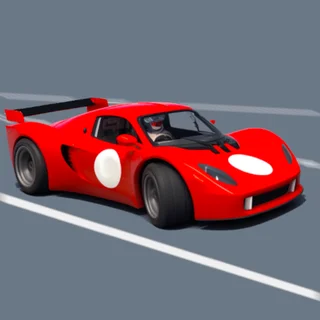
What is Drive Mad?
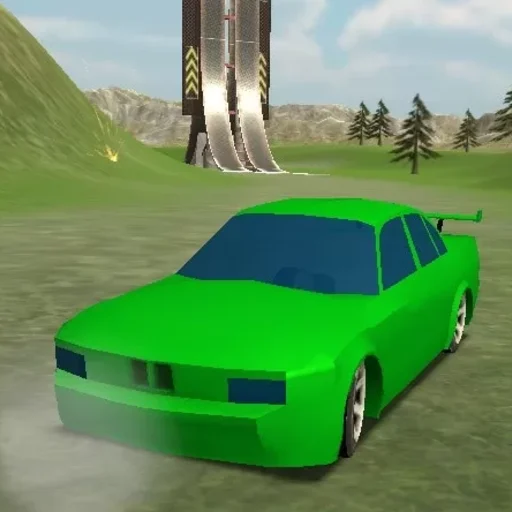
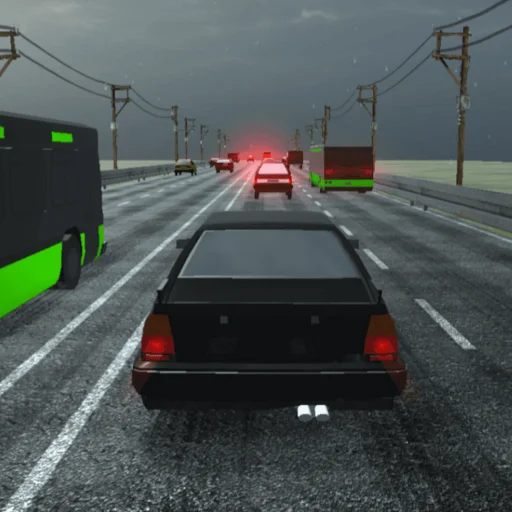
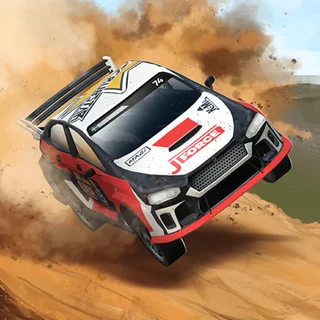
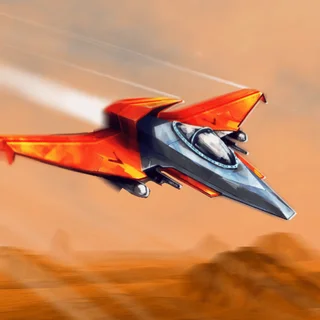
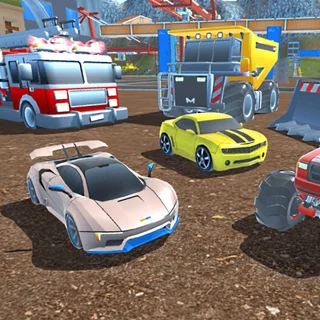
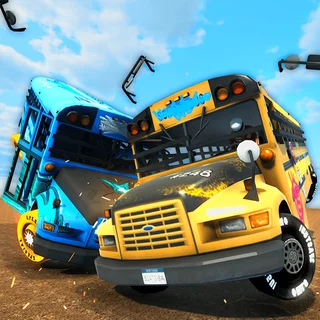
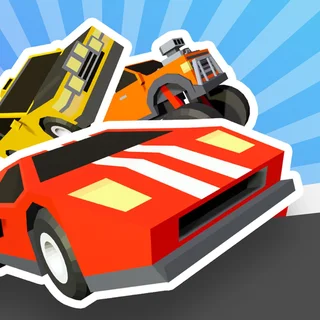
Drive Mad is a physics driving game by Martin Magni, labelled in-game as a Fancade game. The developer sums it up in one line: drive silly cars at high speeds in dangerous terrain, and you cannot steer. Each level is a course from a start to a finish line, and the only thing you choose is whether the car goes forward or back.
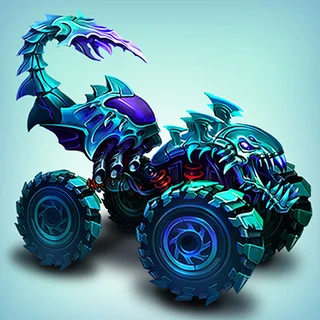
Give it too much speed and the car flips or flies off the course; give it too little and it will not get over the next obstacle. The Classic world has 200 levels. Alongside it are Monster Truck (25 levels), Winter (25) and Space (15) worlds, plus a VS mode with cups such as the Grass Cup and the Wood Cup.
How to Play Drive Mad
- Click Play above to launch the self-hosted build directly in your browser.
- Press Right Arrow, Up Arrow or D to drive forward.
- Press Left Arrow to drive the other way and slow down.
- There is no steering, so manage speed: hold forward for momentum and let go before you reach crests and ramp ends.
- If you crash, press Retry to start the level again.
- Reach the finish line, then choose Next level to carry on.
Controls Guide
| Action | Keyboard Control | Mobile / Touch |
|---|---|---|
| Drive forward | Right Arrow, Up Arrow or D | Arrow button, bottom right |
| Drive backward | Left Arrow | Arrow button, bottom left |
| Pause | Pause button (top left) | Pause button (top left) |
| Restart after a crash | Retry button | Retry button |
Pro Driving Strategies
- Speed Is the Only Control: You cannot steer, so every fix is either more speed, less speed or going backward. Work out which one a spot needs.
- Use Reverse: Backing up is part of the game. One early Classic level is even called Back Up.
- Learn the Course First: Drive a new level slowly once, then try it faster. Retry is instant, so attempts are cheap.
- Switch Worlds When Stuck: If one Classic level holds you up, try the Monster Truck, Winter or Space worlds for a while and come back.
Drive Mad FAQ
Is Drive Mad free to play here?
Yes. The HTML5 build runs directly in your browser on drivemad.co with no download, install or account. Press Play to start driving.
What is Drive Mad?
Drive Mad is a physics driving game by Martin Magni, made with Fancade. You drive silly cars over dangerous terrain to the finish line, but you cannot steer: you only choose forward or back. Classic alone has 200 levels, plus Monster Truck, Winter and Space worlds and a VS mode.
How do you keep from flipping over in Drive Mad?
Control your speed. Hold forward where you need momentum, let go before crests and ramp ends, and press the opposite direction to slow down. If you do crash, Retry restarts the level at once.
Can I play Drive Mad on a school Chromebook or mobile device?
Yes. It plays with a keyboard on Chromebooks and computers, and on touch screens with arrow buttons in the bottom corners.