Drive Mad
Real Cars In City
Racing Rampage
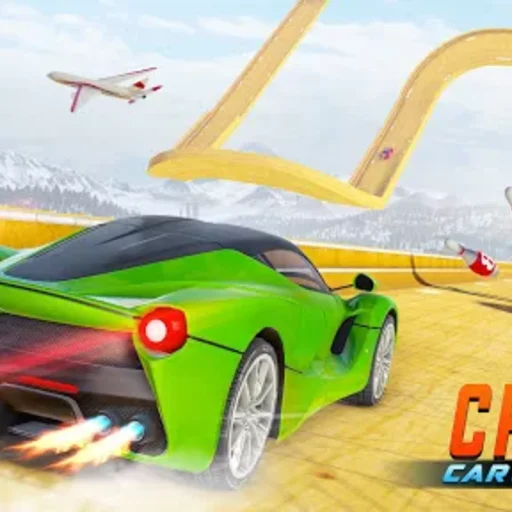
Crazy Cars
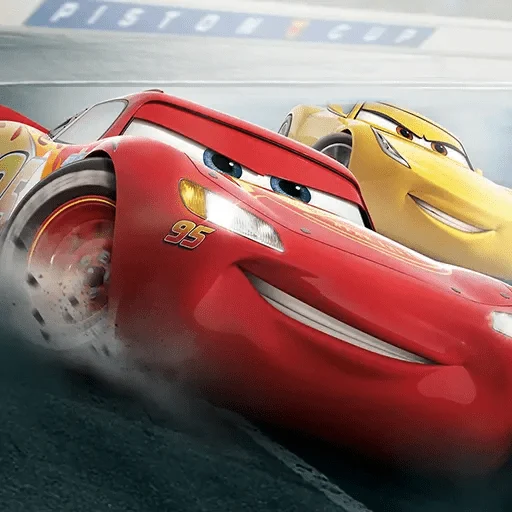
Cars Lightning Speed
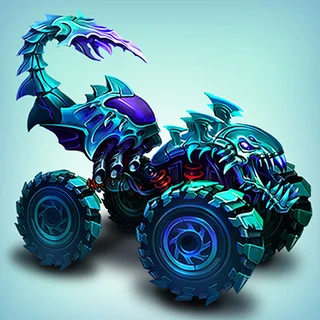
Mad Truck Challenge Special
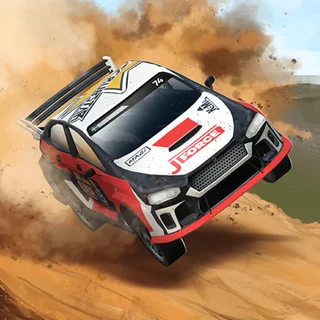
Mad Skills Rallycross
Sky Mad
Noob Drive
School Bus Demolition Derby
City Cab Rush
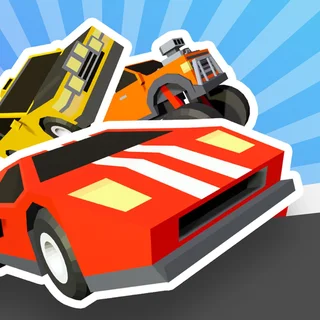
Crazy Road Trip
Mad Cars Racing And Crash — Play Free Online
Racing & DrivingRace and crash through Mad Cars Racing and Crash for free in your browser — unlock vehicles with stars and battle rivals on demolition-style tracks.
Mad Cars Racing and Crash, from AYN Games, puts you behind the wheel of an armored car, a monster truck, a fire engine or a straight-up racing car and asks you to do two things at once: finish near the front and wreck everything you pass on the way. It plays less like a clean circuit racer and more like a demolition derby with a finish line, which fits right in on a site built around Drive Mad's own love of banging up vehicles for fun.
A round is short and physical. You launch off ramps, clip rivals into barriers, and fight for space on tracks that are as much obstacle course as racetrack. Finishing well earns stars, and stars unlock heavier, tougher vehicles, so the garage grows the more you play instead of everything being available from the first race.
How to play
Drive with WASD or the arrow keys, tap N to trigger nitro, and press C to swap camera angles when a corner gets tight. Mad Cars Racing and Crash also has a two-player mode on the same keyboard, where the second driver uses T for their own nitro boost. Beyond racing, there's a free drive area for just exploring the handling without a clock running, and a battlefield area for players who want the crashing without the lap counting.
Tips
- Save nitro for contact, not just speed — a boosted hit knocks rivals wide and can decide a close finish more than raw top speed does.
- Spend a few laps in the free drive area first. The heavier vehicles like the monster truck and fire engine handle very differently from the racing cars, and it's cheaper to learn that outside a real race.
- Use the camera swap on hairpins — the default view can hide what's directly behind you right when a rival is lining up a hit.
- Don't rush to spend stars on the flashiest unlock. Armored and heavy vehicles survive collisions better, which matters more than looks once tracks get crowded.
Similar games on Drive Mad
If the appeal here is the crashing more than the racing, Monster Truck Vs Zombie leans even further into using an oversized vehicle to smash through whatever's in front of it. 3d Car Simulator and Real Cars In City stay closer to open, unhurried driving without the demolition-derby structure, good for when you'd rather cruise than compete. Racing Rampage is the closer match if it's the head-to-head finish line you want, minus the vehicle-unlock progression Mad Cars Racing and Crash builds its garage around.
It suits short sessions well — a couple of races is enough to feel like progress was made — and works fine with either keyboard scheme, though the two-player mode is really built for two people sharing one keyboard rather than touch controls.
Questions about Mad Cars Racing And Crash
How do I use nitro in Mad Cars Racing and Crash?
Press N to boost if you're player one. In two-player mode, player two boosts with T instead.
Can two people play at the same time?
Yes, Mad Cars Racing and Crash has a built-in two-player mode on the same keyboard.
How do I unlock new vehicles?
Finish races to earn stars, then spend them to unlock heavier vehicles like the monster truck and fire engine.
Is there anything to do besides racing?
Yes, a free drive area lets you explore the handling with no clock, and a battlefield area is built for crashing rather than lap times.
Does it work on a phone or Chromebook?
It runs in any modern browser, but the driving and camera controls are keyboard-based, so it plays best on a computer.